 Beast
Try BeastBrowser for free
Multi-profile anti-detect browser — unlimited profiles on paid plans, no credit card required.
Try BeastBrowser for freeEvery multi-profile browser profile should use its own proxy IP. BeastBrowser supports HTTP, HTTPS, SOCKS4, and SOCKS5.
HTTP vs SOCKS5: which protocol should you u
se?
HTTP and HTTPS proxies understand web traffic. They are fast, support caching, and work with virtually every site and tool. Choose HTTP/HTTPS proxies for ad account management, social media, e-commerce, and any workflow that lives inside the browser.
SOCKS5 proxies operate at a lower level and forward any kind of traffic — not just web pages. They support authentication, handle UDP as well as TCP, and work with tools that are not HTTP-aware. Choose SOCKS5 for automation software, scrapers, email workflows, and mixed-protocol tasks.
SOCKS4 is an older version without authentication support. It still works, but SOCKS5 is better in almost every case — there is rarely a reason to pick SOCKS4 for a new setup.
Steps
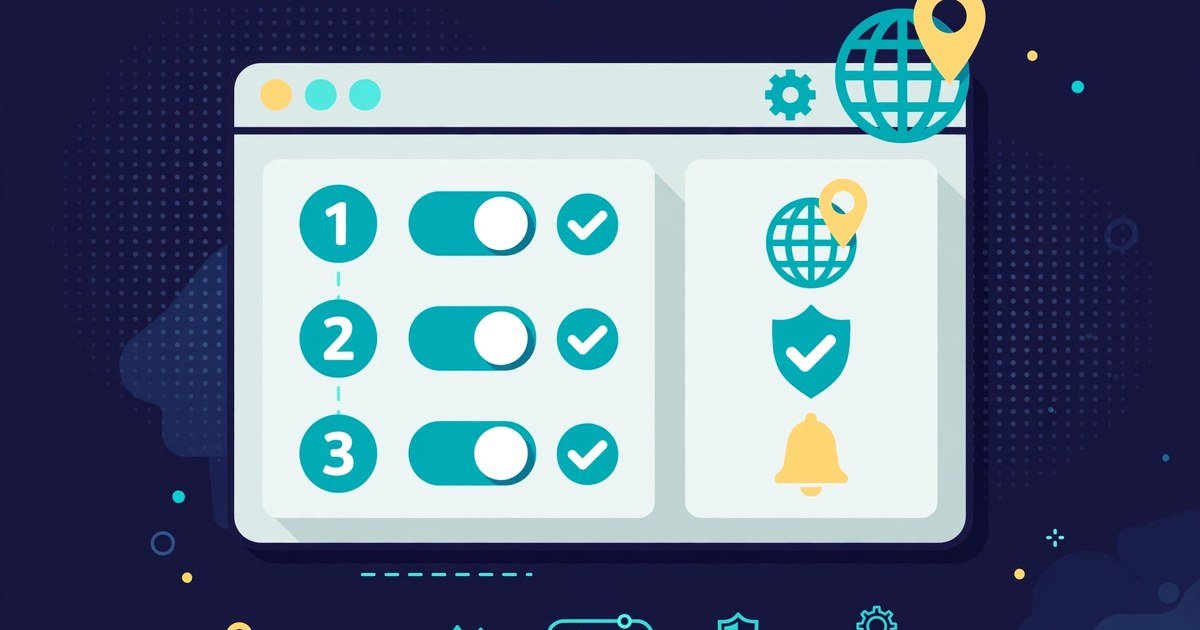
- Open Proxy Manager → Add proxy (host, port, auth)
- Run bulk health check
- Tag proxies by country/campaign
- Assign to profile before launch
Setting up an HTTP proxy
1. In BeastBrowser, open Proxy Manager and click Add proxy. 2. Select HTTP as the protocol, then paste the host, port, username, and password from your provider. 3. Click Check to verify the connection and confirm the exit IP geolocation matches your target country. 4. Tag the proxy (for example, “US – Meta ads”) so you can find it when assigning profiles.
Setting up a SOCKS5 proxy
1. Open Proxy Manager → Add proxy and select SOCKS5. 2. Enter the host, port, and credentials — SOCKS5 authentication happens inside the protocol, so most providers use the same username/password format. 3. Run the health check, then assign the proxy to a profile under Profiles → Proxy before launching it.

Protocol comparison
| Protocol | Best for | Authentication | Traffic handled |
|---|---|---|---|
| HTTP | Browsing, ad accounts, social media | Username/password | HTTP/HTTPS only |
| HTTPS | Secure browsing workflows | Username/password | Encrypted web traffic |
| SOCKS4 | Legacy tools | None | TCP only |
| SOCKS5 | Automation, scraping, mixed protocols | Username/password | TCP + UDP, any protocol |
Rotating and scaling proxies
Buy proxies from the Trusted Proxy Store without leaving the app. Enable Infatica rotating proxy for high-volume scraping.
For large operations, use rotating residential proxies: the IP changes automatically every request or every few minutes, spreading load and reducing blocks during scraping. For accounts, stick with sticky sessions — the same IP for 10–30 minutes or longer — so platforms see a stable, human-like connection.
Tag every proxy by country and campaign, run the bulk health check weekly, and retire IPs that appear on blacklists. One flagged proxy shared across profiles is how entire account farms get linked.
Sources
Protocol details verified against IETF RFCs and MDN Web Docs, October 2026.
Proxies are only one layer of account safety. Once your proxies are assigned, work through our multi-account isolation checklist to verify fingerprints, timezones, and behavior stay separated too. The goal of all of this is one profile one proxy setup.
Choosing between proxy sourcing models? Read our socks5 vs residential comparison, or see our proxy choice guide, before you decide.
One thing a proxy can't do on its own: stop WebRTC from exposing your real IP. Pair every proxy with webrtc leak protection so the IP platforms see is always the proxy's.



