
Free Tools
2026-11-14
Convert a JPEG to WebP in the browser when a site or a page-speed report asks for a modern image.
Read article →
Free Tools
2026-11-14
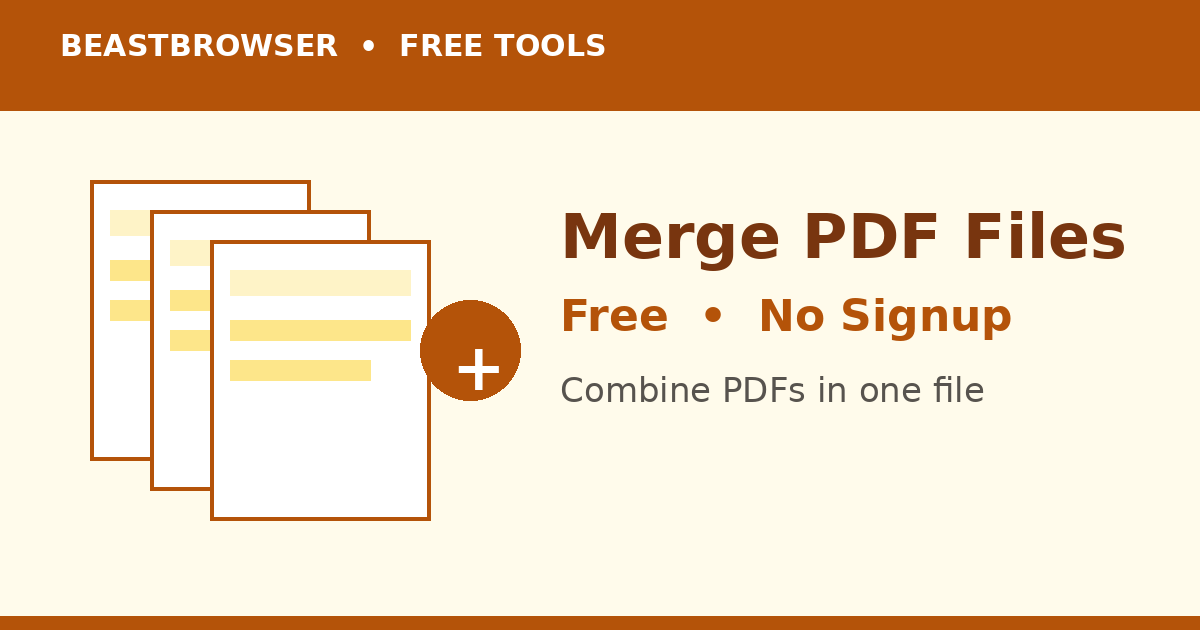
Combine PDF files in the browser and download a single PDF. No account. The pages stay in the order you add them.
Read article →
Free Tools
2026-11-14
Turn each PDF page into a JPG and download them together. The file is processed in the browser. A two-page test produced page-1.jpg and page-2.jpg.
Read article →
Free Tools
2026-11-14
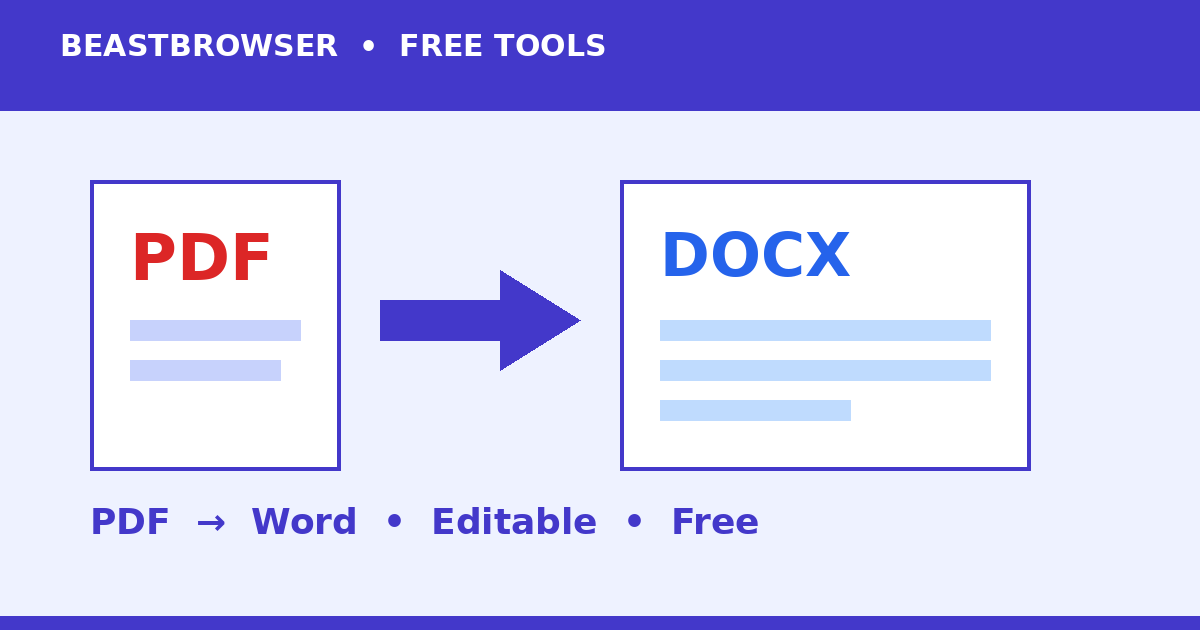
Convert a PDF to a Word file by extracting the selectable text. Scanned pages with no text layer stay empty. The file stays in the browser.
Read article →
Free Tools
2026-11-14
Work out a percentage of a number without a spreadsheet. The default example on the page: 15 percent of 200 is 30.
Read article →
Free Tools
2026-11-14
Convert PNG to JPG when you need a smaller photo. Transparency becomes a flat background. Here is when to switch and when to keep the PNG.
Read article →
Free Tools
2026-11-14
Turn a PNG into a PDF in the browser. Useful when a form accepts PDF but you only have a picture.
Read article →
Free Tools
2026-11-14
Make a QR code from text or a URL in the browser, then download the PNG. No account, and the code is drawn on your device.
Read article →
Free Tools
2026-11-14
Change a photo’s width and height in the browser. Useful for a form that rejects anything over a set pixel size.
Read article →
Free Tools
2026-11-14
Estimate a SIP’s future value from the monthly amount, annual return, and years. A worked example: 5,000 a month at 12 percent for 10 years.
Read article →
Free Tools
2026-11-14
Extract pages from a PDF in the browser. A test that asked for page 2 of a 2-page file returned just that page.
Read article →
Free Tools
2026-11-14
Convert length and other everyday units in the browser. Two kilometres is 2,000 metres. No account.
Read article →
Free Tools
2026-11-14
Open a password-protected PDF by typing the current password. The tool does not guess passwords. It saves each page as an image in a new PDF.
Read article →
Free Tools
2026-11-14
Convert a WebP image to JPG so older tools, marketplaces, and email clients will accept it.
Read article →
Free Tools
2026-11-14
Count words and characters in the browser. The sentence “Hello world from BeastBrowser” is 4 words and 29 characters.
Read article →
 Beast



